

6 REAL Reasons Why You Need A Mobile-Optimized Website
We’ve all heard the saying, “If you build it, they will come.” But what about that other saying: “If you build it right, they&...
Want Google to notice your business? Here’s a super simple way to boost your visibility without spending a dime: upload photos to your Google Business Profile.
Yes, it’s that easy.
In this article, I’ll show you exactly how to do it, step-by-step. Whether you’re the business owner, an employee, or just helping out, this method works for anyone with access to Google Maps. By the end, you’ll know how to post photos that Google loves and customers trust.
Uploading photos does two powerful things:
Google sees activity on your business profile, which helps improve your ranking.
Customers see authentic visuals of what you do and where you do it.
Every time you upload a photo, you get points on your profile. More activity = more trust from Google.
So let’s walk through it.
Head over to Google Maps (just like normal).
In the upper-right corner, click on your profile picture to choose the account you want to use.
(Pro tip: You can upload from your personal account—it works just as well!)
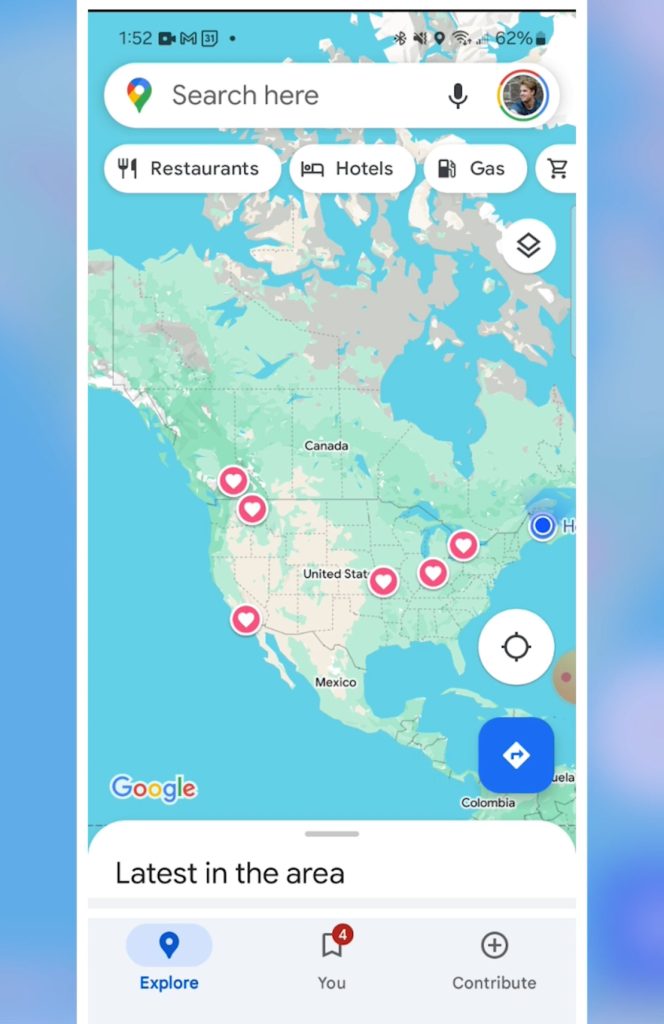
Type your business name in the search bar.
Example: I typed Blue Crocus, our marketing agency.
Once the listing pops up, you’re ready.
On the business profile, scroll across the options (like Call, Save, etc.) until you see Post.
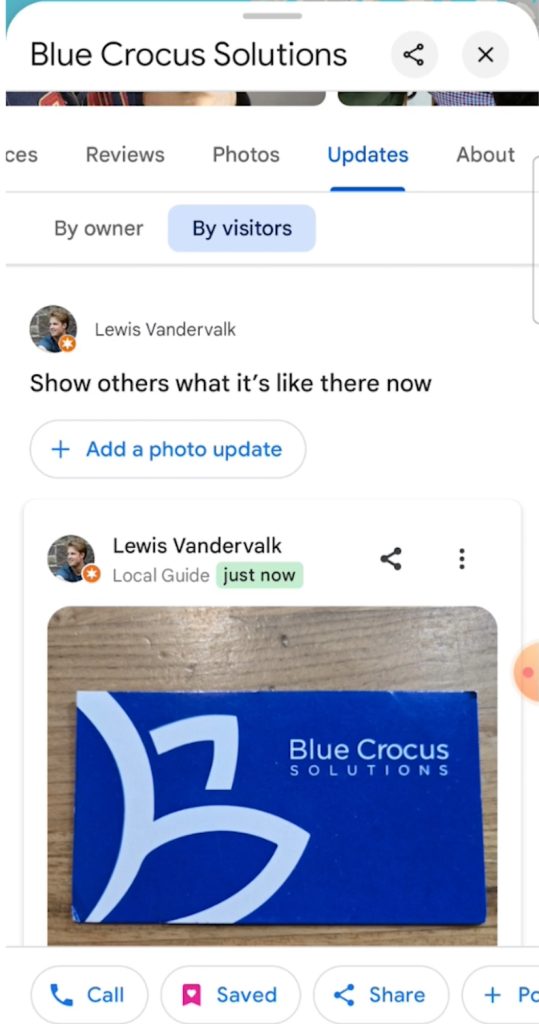
Click Post and then Add a photo.
Choose a photo from your device. For this demo, I picked a business card photo (but it could be anything related to your business).
This is super important.
Don’t just post a random photo—talk about what the photo shows and where the job happened.
Example caption for a junk removal business:
Business card services for junk removal business owners.
Mention what it is.
Mention who it’s for.
And if possible, where it happened.
Then hit Post. Boom, done!
After posting, scroll down on the profile and click on Updates (right next to Photos).
Select By visitors—and there’s your photo, live and shining!
Let’s do another one for practice.
Open Google Maps.
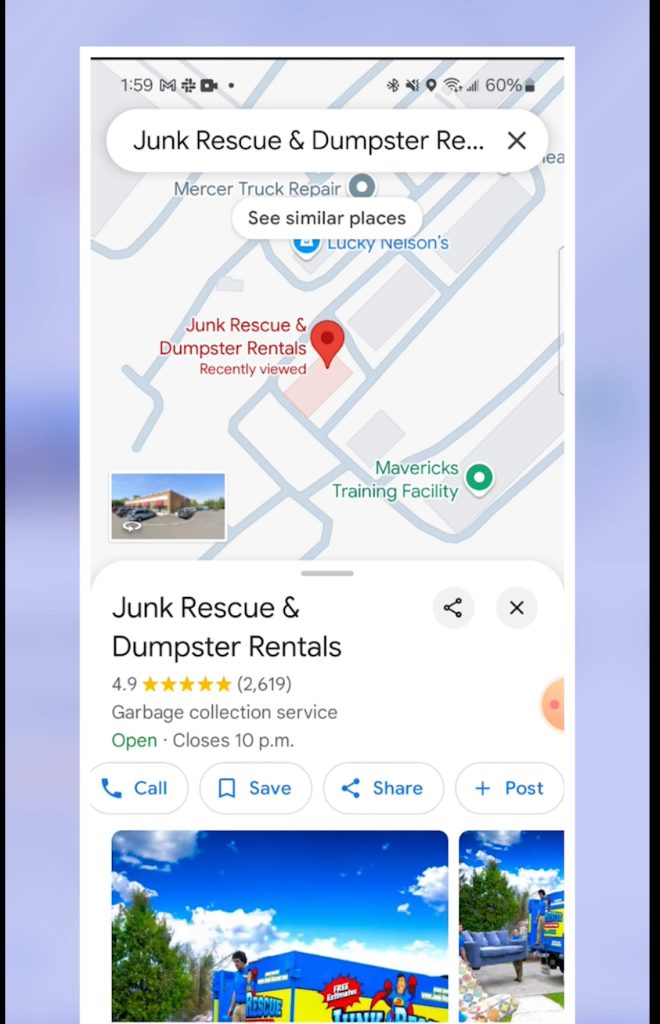
Search for Junk Rescue.
Scroll to Post → Add photo.
Pick a job-related photo (I grabbed one I downloaded earlier).
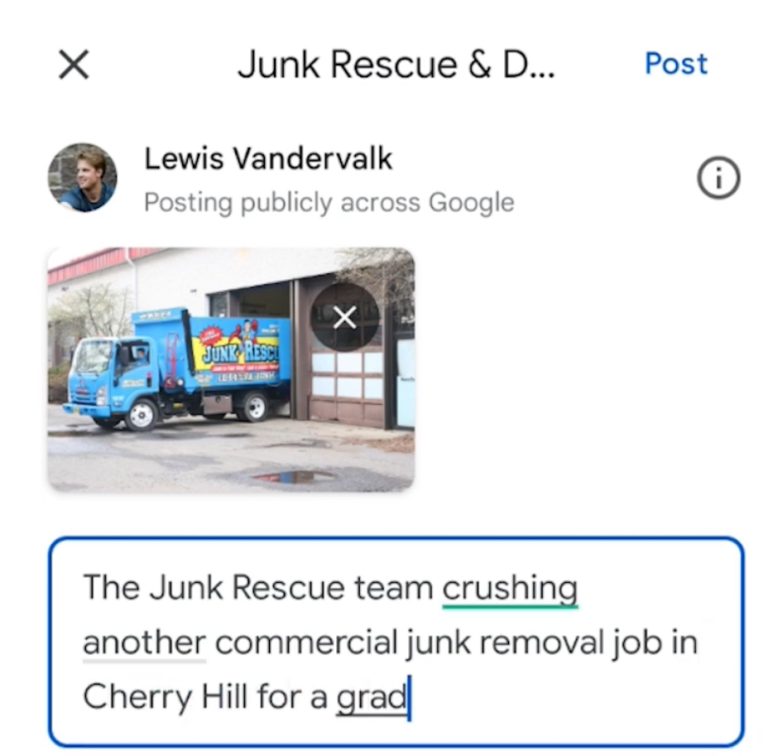
Write about what you did and where you did it.
Example caption:
The Junk Rescue team crushing another commercial junk removal job in Cherry Hill for a great client!
Keep it fresh each time. Switch up the wording but always answer:
What did you do?
Where did you do it?
Post it, and check the Updates again—your new photo will show up under By visitors.
Don’t just snap a quick pic of junk piles. Make sure your photos:
Include your team.
Show your branded trucks.
Feature a client (if they’re cool with it).
Highlight action—dropping off a dumpster, finishing a job, or the team flexing after a hard day’s work.
You want photos that build trust and showcase your brand.
You can post other cool stuff too—like awards!
Go to your business profile.
Click Post → Add photo.
Select an award photo.
Example caption:
Jake receiving an award for Titan 100.
Easy, right?
The two golden rules every time you post:
What did you do?
Where did you do it?
That’s it.
Change up the wording, make it personal, and keep showing off your awesome work. The more photos you post, the more Google loves you, and the more customers trust you.
Now get out there, snap some photos, and rock your Google Business Profile!